Skip to content

GEEKEDCARTREE

A UK Technology Blog

  • Lifestyle Blog
  • Fitness Blog
  • Money Blog
  • About
  • Lifestyle Blog
  • Fitness Blog
  • Money Blog
  • About
computers

Penclic B2 Bluetooth Mouse // Review

October 17, 2016February 23, 2017 Corinne 1 comment
Penclic B2 Bluetooth Mouse  // Review

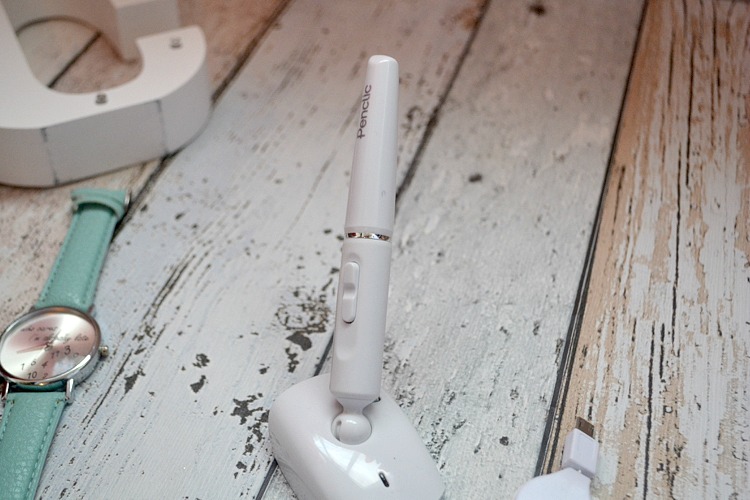
Penclic B2 Bluetooth Mouse Review I was recently sent the Penclic B2 Bluetooth Mouse to review.

The mouse is designed to allow you to perform movements on your computer while using your body parts designed for these types of moments. Rather than using shoulders and arms in an unnatural and healthy position, the Penclic B2 lets you use your fingers to carry out these movements to help reduce the likelihood of Repetitive Strain Injury (RSI) or Carpel Tunnel Syndrome.
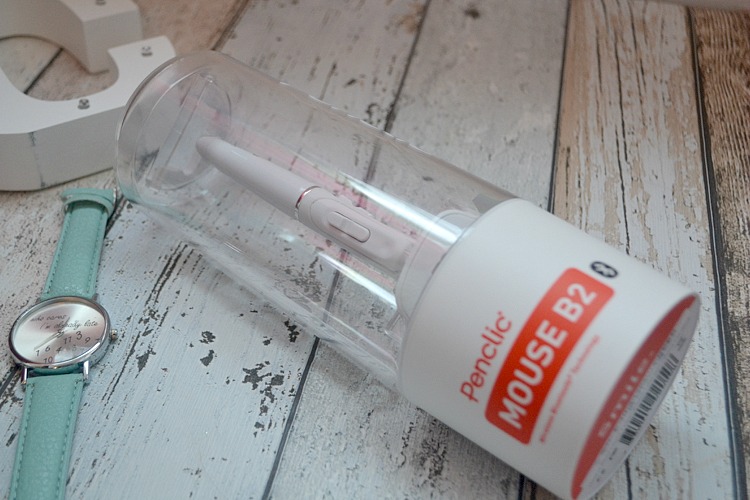
Penclic B2 Bluetooth Mouse Review

I love the packaging of the product, it’s encased in a cylinder tube that is easily put back together – handy if you want to sell the product at a later date.

The Penclic Mouse comes with a start-up guide and a troubleshooting leaflet. In typical electronics style, both guides had many languages. Despite the size of the leaflet, there wasn’t much information at all. I ended up going on the Penclic website to download the startup guide which included more detail with pictures.

Hey, I need pictures because I’m a useless girl. Don’t judge me, okay?
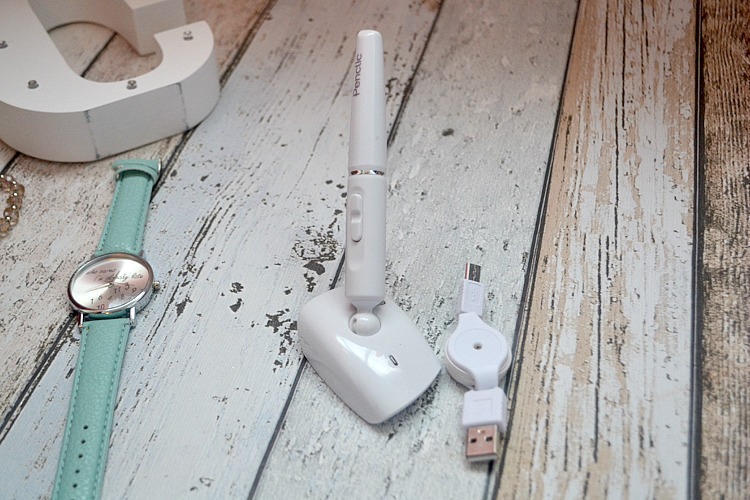
Penclic B2 Bluetooth Mouse Review

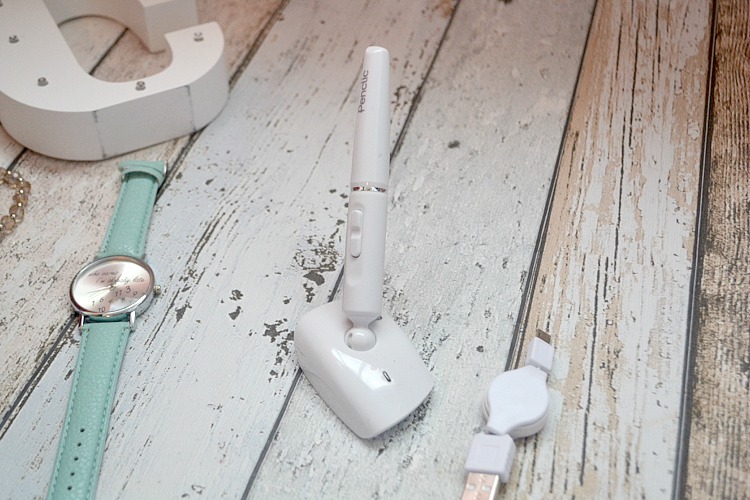
The box also includes a pouch which is home to the USB port and rechargeable battery.

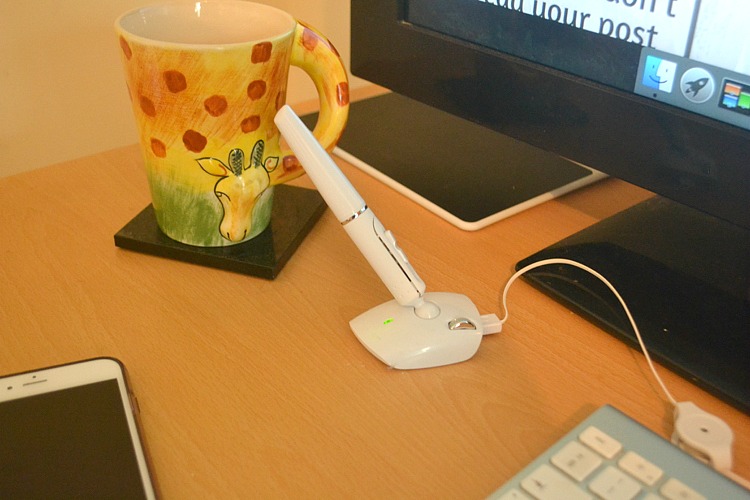
You put the battery in the bottom of the pen and plug the USB cable in to charge it. The light on the front flashes green when charging. It then has a continuous green light once fully charged.

To connect it, you press a button underneath to connect the device by Bluetooth.

I’m not going to lie, I found it hard connecting the mouse. It didn’t seem to like my computer. I then dropped it by accident and the pen fell out of its socket. I pushed it back in and then it seemed to work. Maybe the fall did it good, ha! It doesn’t seem damaged at all by the little accident.

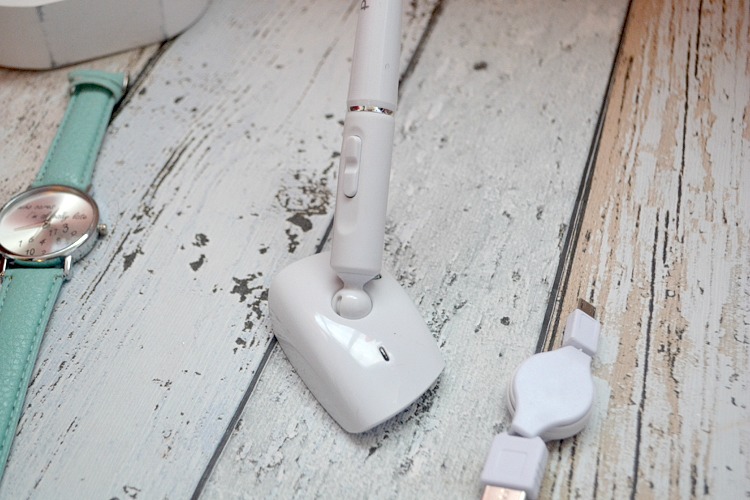
Penclic B2 Bluetooth Mouse Review

Penclic B2 Bluetooth Mouse Review Penclic B2 Bluetooth Mouse Review Penclic B2 Bluetooth Mouse Review

penclic mouse b2 penclic mouse b2

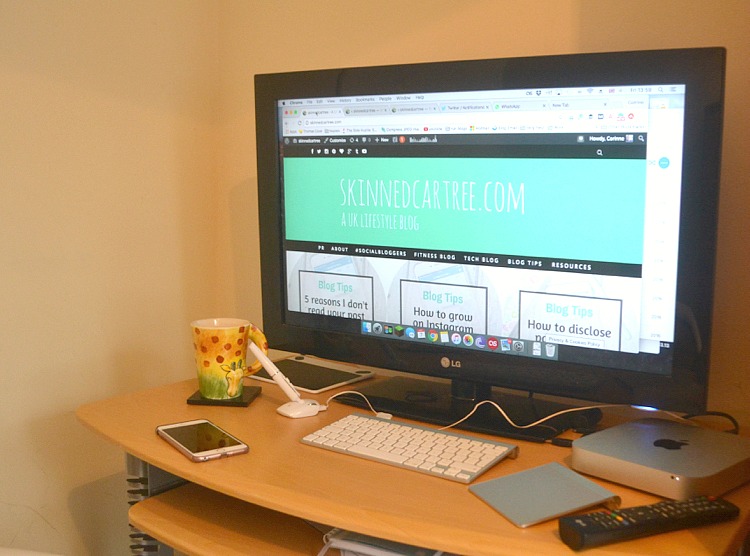
Overall, the pen looks great on the desk although it’s quite awkward to use. It’s nicer to use than a traditional mouse, but I think I still prefer my track pad on my Mac over the pen as I’m used to the shortcuts and everything already.

I think it would take a few weeks of using it to fall in love and because I don’t suffer from any pains due to my excessive computer use, I don’t quite need to do this yet, but it’s good to know I have the option.

Untitled3 copy

About Corinne

About Corinne

I’m Corinne, a 30-something lifestyle blogger from York, talking tech, blog tips, lifestyle and navigating being a new mum!

Related Posts

Complete Guide to Family Technology UK: Devices, Safety & Digital Wellbeing 2025
Best Tablets for Kids UK 2025: Expert Reviews by Age Group
How Technology Saves You Money in 2025
Free Alternatives to Expensive Paid Software

Post navigation

PicLight Editor
How to take good care of your Raspberry Pi

One comment

  1. Sarah says:
    November 3, 2016 at 7:53 am

    Looks interesting, and it looks very tech-photo worthy on the desk! I reckon it could take some time getting used to though I’d be willing to give it a go if it’s better for me in the long run, we spend that much time hunched over computers I can only see it helping once you’ve got the hang of it.

    I’m not a fan of my trac pad at all, it makes me feel all bunched up! Gimmie a good ol’ mouse anyday!

    Sarah šŸ™‚

    Reply

Leave a Reply Cancel reply

Your email address will not be published. Required fields are marked *

Recent Posts

  • Best Educational Apps for Kids UK 2025: Expert Reviews by Age Group
  • Complete Guide to Family Technology UK: Devices, Safety & Digital Wellbeing 2025
  • Best Tablets for Kids UK 2025: Expert Reviews by Age Group
  • Complete Parental Controls Guide UK 2025: Step-by-Step Setup for Every Device
  • Free Family Days Out in the UK: 60+ Amazing Activities That Cost Nothing in 2026
  • Lifestyle Blog
  • Fitness Blog
  • Money Blog
  • About

GEEKEDCARTREE

Copyright © 2026 | All Rights Reserved | skinnedcartree.com
This website uses cookies to improve your experience. We'll assume you're ok with this, but you can opt-out if you wish.Accept Read More
Privacy & Cookies Policy

Privacy Overview

This website uses cookies to improve your experience while you navigate through the website. Out of these, the cookies that are categorized as necessary are stored on your browser as they are essential for the working of basic functionalities of the website. We also use third-party cookies that help us analyze and understand how you use this website. These cookies will be stored in your browser only with your consent. You also have the option to opt-out of these cookies. But opting out of some of these cookies may affect your browsing experience.
Necessary
Always Enabled
Necessary cookies are absolutely essential for the website to function properly. This category only includes cookies that ensures basic functionalities and security features of the website. These cookies do not store any personal information.
Non-necessary
Any cookies that may not be particularly necessary for the website to function and is used specifically to collect user personal data via analytics, ads, other embedded contents are termed as non-necessary cookies. It is mandatory to procure user consent prior to running these cookies on your website.
SAVE & ACCEPT